
Structured Project Pipeline
Monitor every design stage—concept, prototyping, review, revision—with clarity and precision.
High-fidelity rendering and interactive modeling for products and spaces.
Redefine traditional 3D workflows with a unified platform that streamlines stages, accelerates collaboration, and improves quality across your entire design pipeline.
Monitor every design stage—concept, prototyping, review, revision—with clarity and precision.
Trigger revised renders or next-stage assets automatically when a project moves into approved-for-production status.
Share interactive previews via unique links—no downloads, no setup—enabling clients to comment and collaborate instantly.
Leverage data signals (feedback speed, approval delays, revision cycles) to anticipate project status and spot bottlenecks early.
Detect inconsistencies, recommend optimizations, and flag issues (e.g., geometry errors, lighting anomalies) through automated analysis.
Workflow Steps
More Details
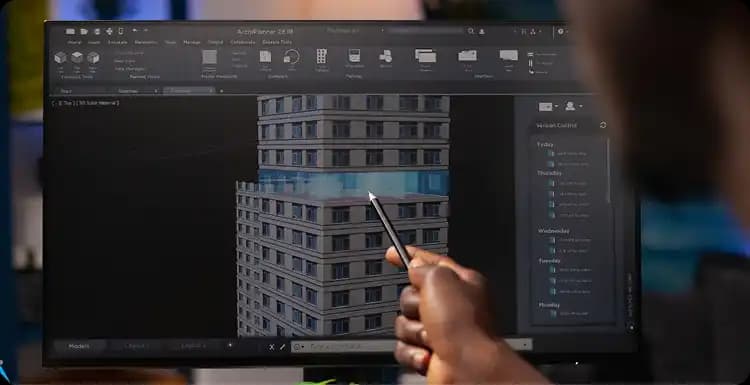
Set up a connected pipeline that tracks each 3D asset from wireframe to final render—automating status updates, task assignments, and visibility.
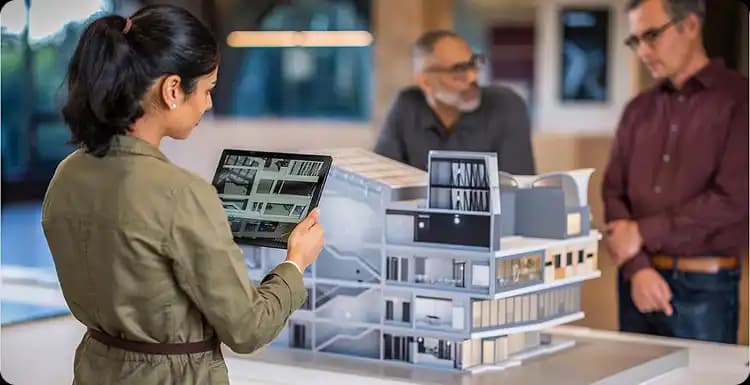
Clients and team members comment directly on 3D previews through a sleek portal. AI-powered suggestions surface improvements or flag errors in real-time.
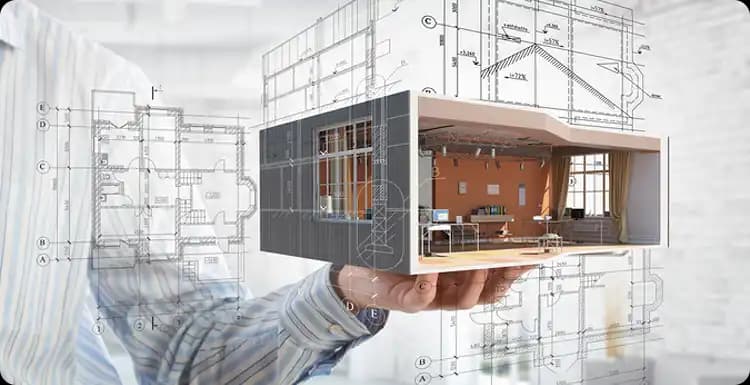
Once revisions are approved, the next version is rendered and shared automatically—keeping delivery moving without manual intervention.
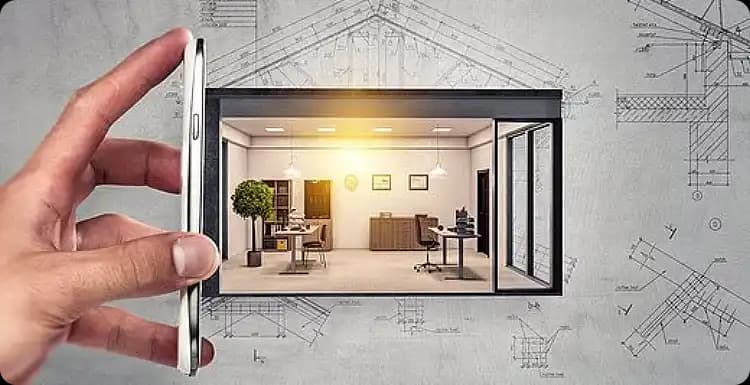
Capture client approval, log version history, and push final assets to downstream systems—smoothing handoffs and archiving for compliance.
Create photorealistic 3D renders and interactive product models.
Explore buildings, interiors and developments in interactive 3D.
Visualize machinery, equipment and manufacturing assets in detail.
Create compelling 3D visuals for campaigns, launches and brand storytelling.
Create optimized assets for use in immersive AR and VR experiences.
Bring products, spaces and concepts to life with 3D animation.
Monitor every design stage with clarity and precision.
Trigger revised renders automatically when assets move to production.
Share interactive previews for real-time client feedback.
Identify bottlenecks and forecast timelines from data signals.
Detect inconsistencies and recommend optimizations automatically.
Modeling, rendering, animation and XR-ready asset production.
Products, spaces and environments across any sector.
From single assets to large-scale content libraries.
Optimized assets designed for immersive deployment.
Rigorous review workflows and iterative refinement.