
Immersive Pipeline Management
Track every stage of your spatial computing project—from concept and prototyping to deployment.
Seamlessly map and interact with digital elements in 3D physical space.
Simplify end-to-end Spatial Computing development to accelerate delivery, strengthen collaboration, and elevate immersive experiences across sectors.
Track every stage of your spatial computing project—from concept and prototyping to deployment.
Leverage real-time analytics that forecast delivery timelines, highlight bottlenecks, and ensure smooth rollout.
Automatically analyze interactions, detect engagement drops, and adjustments to optimize VR/AR experiences.
Automatically launch user tests, beta previews, or live deployments as soon as milestones are reached.
Share links to immersive app previews—no installs, no delays—enabling clients to explore and collaborate.
Workflow Steps
More Details
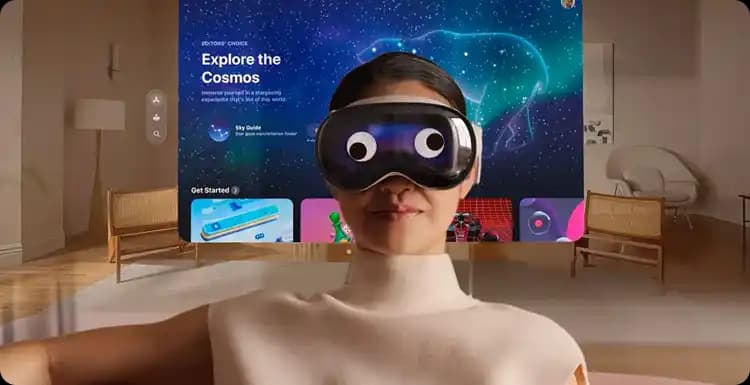
Organize your development pipeline—concept, prototype, review, beta, deployment—with automated stage tracking and timeline visibility.
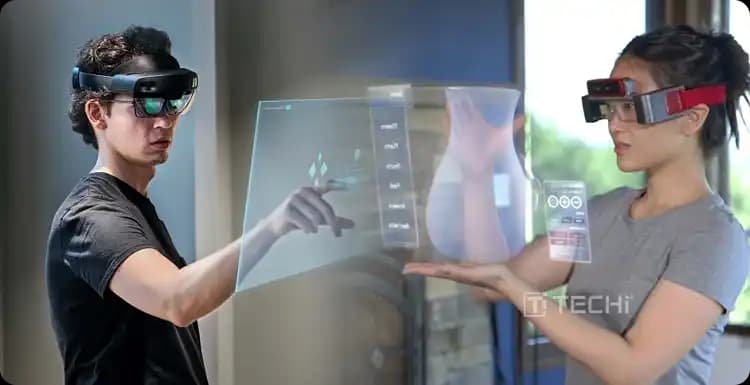
Clients and stakeholders access immersive demos through a branded portal, interacting with the app and giving visual feedback in real-time.
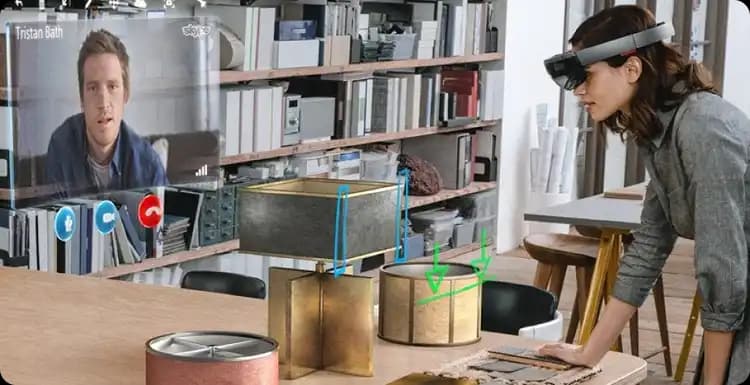
Post-feedback, updates and testing environments are triggered automatically—pushing your project forward without manual coordination.
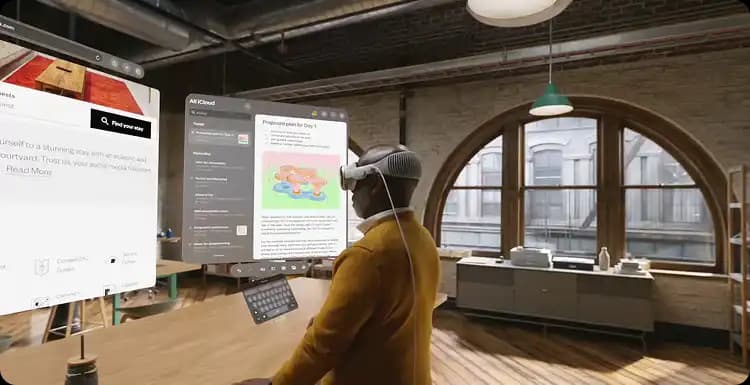
Collect final approvals within the portal, archive versions, and push deliverables into your asset libraries or customer environments effortlessly.
Build applications that understand and interact with physical space.
Create persistent digital environments for collaboration and productivity.
Enable product discovery and purchase in 3D spatial environments.
Control and interact with building systems through spatial interfaces.
Develop training applications that adapt to real-world environments.
Create geo-aware spatial experiences for retail, tourism and events.
Track every stage of your spatial computing project from concept to deployment.
Real-time analytics that forecast delivery and highlight bottlenecks.
Automatically detect engagement drops and optimize spatial experiences.
Launch tests and live deployments automatically as milestones are reached.
Share immersive previews without installs for rapid client feedback.
Deep experience across AR, VR, MR and spatial platforms.
3D, UX, backend and integration in one team.
Secure, scalable platforms from pilot to rollout.
Deploy to Apple Vision Pro, Quest, HoloLens, mobile and web.
Constantly exploring new spatial computing workflows and capabilities.